Integration guide
API Gateway vs Direct APIs: An Integration Checklist
Compare API gateways and direct provider access by checking protocols, model permissions, capabilities and billing units before committing to an integration.

Before choosing an API gateway or a direct provider connection, check the protocol, model permissions and billing basis—not just a claim of compatibility or a quoted price. A unified endpoint can reduce the work of maintaining several configurations, but it does not mean every native provider capability is available unchanged. This checklist, written by the ModelsNexus content team, helps developers prepare an integration. It offers no unverified price rankings and does not treat a model’s appearance in a catalogue as proof of a successful call.
Separate the endpoint, the protocol and the model
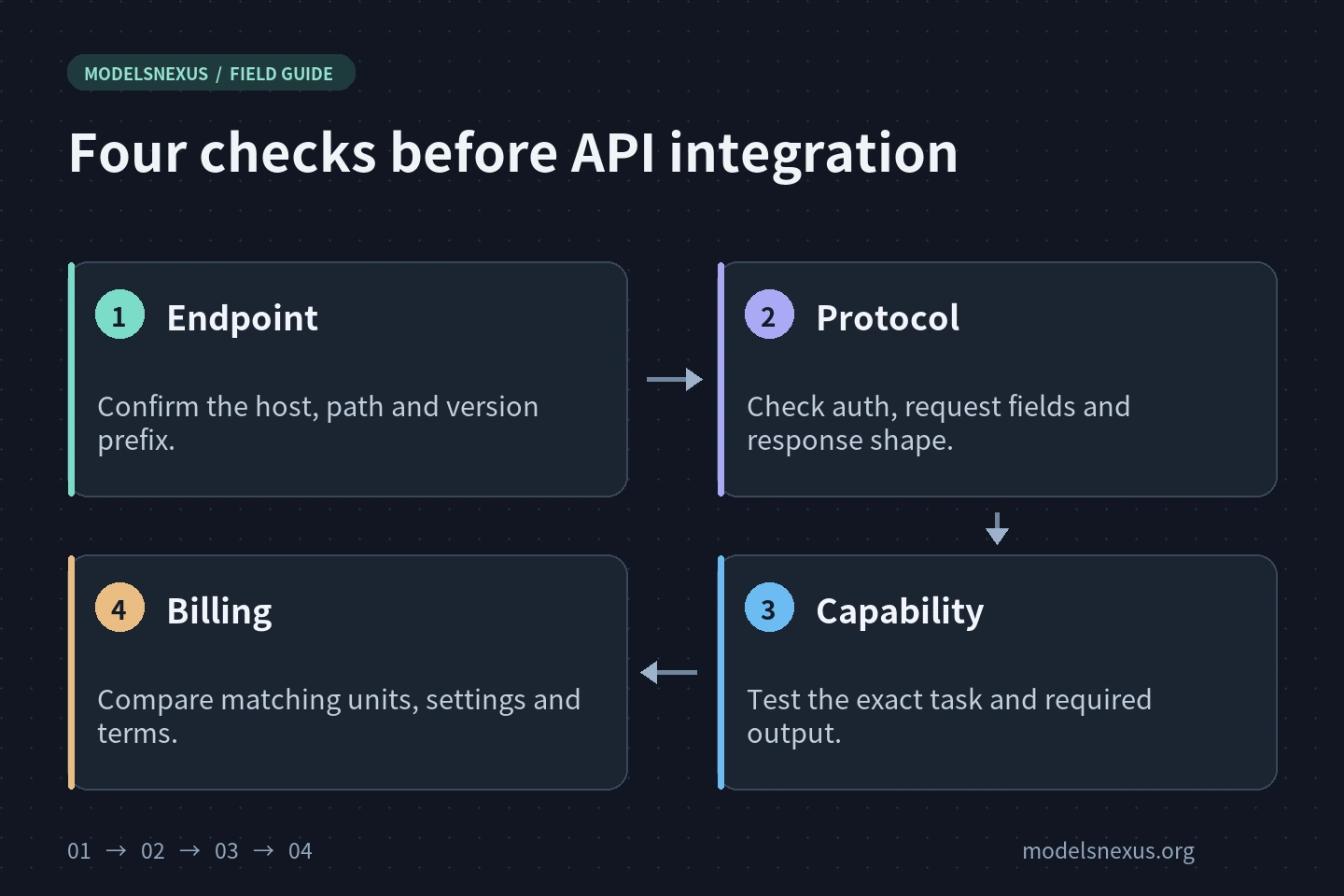
The endpoint is the domain and path receiving your request. The protocol defines authentication, request fields, response structures and streaming events. The model is the exact callable identifier and its capabilities. Changing a base URL changes the destination; it does not automatically translate one protocol into another. If documentation says “OpenAI-compatible,” confirm which interfaces it covers rather than assuming every client will work unchanged.
A model family name is not a substitute for the exact model value. Similarly named entries may have different permissions, task types or billing rules. Use the catalogue visible to your current account and the specific model documentation. Do not copy model suffixes, quality settings or resolution parameters from another platform without checking them.
| Check | What to confirm | Common mistake |
|---|---|---|
| Address | This site’s base URL and interface path, and whether the SDK appends a version prefix | Duplicating /v1 or using a webpage address as an API endpoint |
| Protocol | Authentication headers, request fields, response format and streaming behavior | Changing only the domain without checking protocol differences |
| Model | The exact identifier, account permissions and current availability | Assuming every version is available because a family is described |
| Capabilities | Explicit support for the inputs, outputs, dimensions and formats you need | Treating a successful text-to-image request as validation of image editing |
| Charges | The unit, currency, applicable account group, and settlement rules for failures and retries | Comparing numbers quoted in different units |
Query the catalogue, then validate the actual task
Read the model catalogue with a ModelsNexus key
The ModelsNexus model catalogue provides GET /v1/models with authentication using this site’s API key. The following read-only example queries the catalogue; it does not submit a generation task. Set your own key in the server-side environment variable MODELSNEXUS_API_KEY first. The variable name is not a key, and another provider’s key is not a substitute for a ModelsNexus key. Do not place a complete key in frontend code, screenshots or public support tickets.
curl --request GET \
  --url https://modelsnexus.org/v1/models \
  --header "Authorization: Bearer ${MODELSNEXUS_API_KEY}" \
  --connect-timeout 10 \
  --max-time 30
A successful catalogue response establishes only that the query worked. It does not prove that each entry accepts your input, or that any generation has completed. If authentication or permission checks fail, first check the site, key status and permissions. Do not diagnose the problem by repeatedly submitting paid tasks. You can compare the catalogue request form with the official OpenAI model-list reference, but that reference cannot establish which models are available on ModelsNexus.
Break “it works” into verifiable steps
- Record a configuration snapshot: the site, interface, model identifier, SDK version and required capabilities. Do not include the full key.
- Validate the target task with the smallest valid request in its documentation, keeping output and budget limited. Validate text, images and video separately; do not mix their fields.
- Inspect the actual response: status, structure, file format and result content. For a stream, also check its completion event. HTTP 200 alone does not establish that the business task is complete.
- Then introduce real reference material, output specifications and concurrency. Change only a few conditions at a time, retaining request IDs and timing records.
Normalize the billing basis before comparing prices
The same number might mean a price per million tokens, per image, per request or per second. A comparison is meaningful only when units, versions, input/output specifications and applicable account groups line up. If input and output have separate prices, calculate them separately. If video is priced per second, do not compare its headline number directly with a per-video quote.
For a quote per million tokens, the basic estimate is input tokens divided by one million, multiplied by the input rate, plus output tokens divided by one million, multiplied by the output rate. For a per-second quote, begin with duration multiplied by the rate for that specification. These are calculation bases only. Whether caching, extra tools, minimum billable units or other items apply depends on the service’s terms; do not assume there are no additional costs.
A budget must also distinguish an initial submission from a repeated submission. If the original request continues processing after a network interruption, sending it again may create another task. Do not assume every timeout is refunded or that every request supports idempotent deduplication. Clarify any uncertain pre-charge, settlement, refund and retry-charge rules before regular batch use.
Choose for your project, not for one preferred type of endpoint
If you need a provider’s newest features, native event structures or specialized tools, compare their availability through direct access and through the gateway. If you need to manage several model endpoints, consider whether unified configuration reduces maintenance, while also checking fault diagnosis, data-handling information and understandable billing. There is no single winner for every project.
For an application that uploads business material, review the service’s data-processing scope, retention rules and access boundaries as well. A working API call does not prove that your privacy or compliance requirements are met. Do not disable TLS verification to avoid an integration check.
Next: check the ModelsNexus catalogue with this list
Before integrating, establish which protocol to use, which identifier to call, which capabilities you need, how usage is billed, and what evidence to retain when something goes wrong. Visit the ModelsNexus model catalogue and pricing page. If it asks you to sign in, check the information for your account and group, then follow the relevant integration documentation. No paid calls were made for this guide; it does not constitute comprehensive validation of any model, offer or output specification.
Check the current model, protocol and terms before integrating.
Explore ModelsNexus